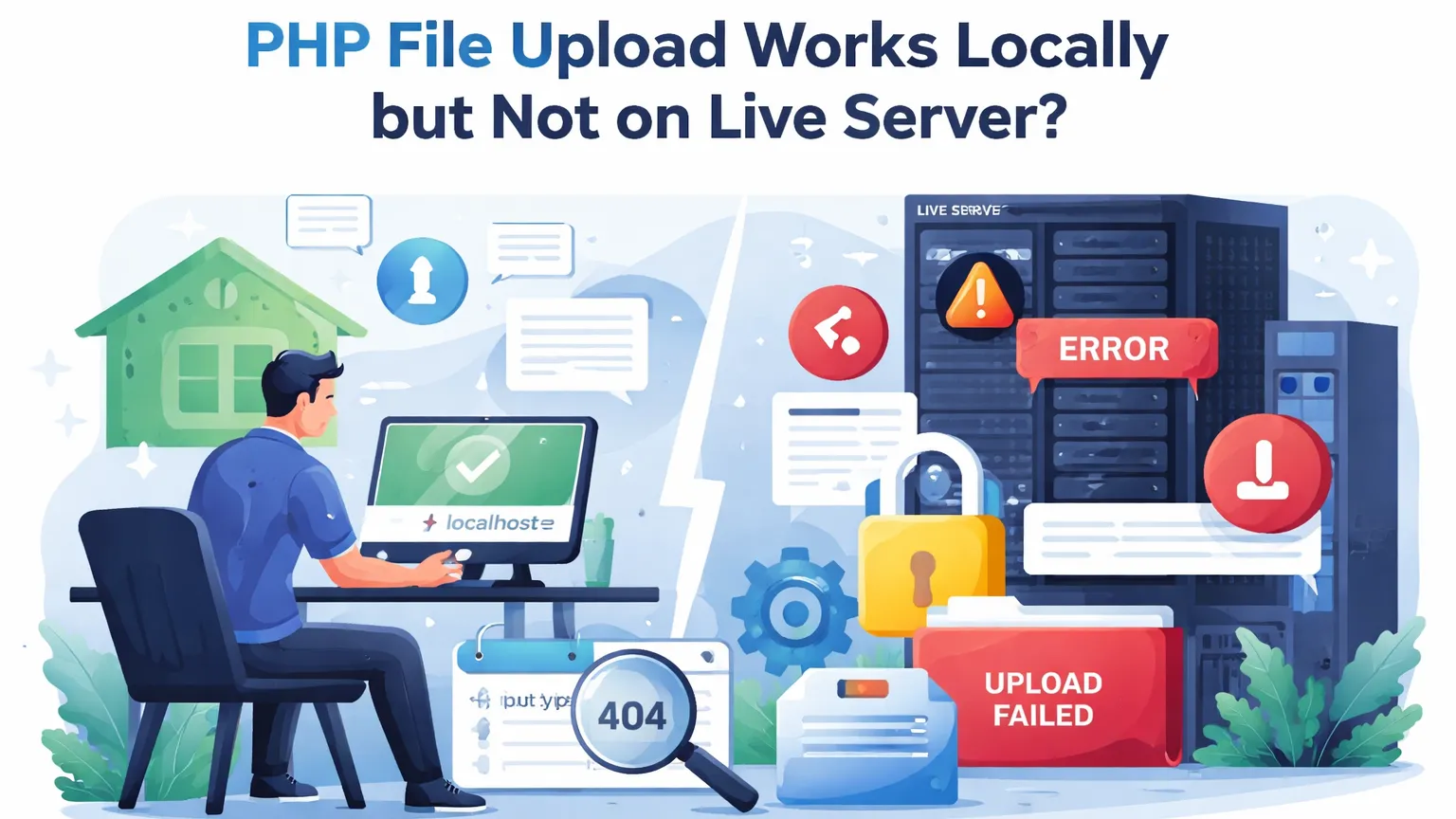

PHP File Upload Works Locally but Fails on Live Server – Complete Debug Guide
PHP file upload localhost pe perfect kaam karta hai, lekin jaise hi live server par deploy hota hai, upload fail ho jata hai ya file 0 bytes ki aa jati hai. Ye issue code ka nahi hota, balki server configuration aur permissions ka hota hai.
Is article me hum step-by-step samjhenge php file upload works locally but not on server problem ka real reason, aur production-ready fix with real PHP code.
Why PHP File Upload Works on Localhost but Not on Live Server
| Localhost | Loose permissions, default php.ini, full disk access |
| Live Server | Strict permissions, limited tmp folder, size limits |
Isi difference ki wajah se php file upload not working on live server aur php upload works on localhost only jaise issues aate hain.

Most Common Real Causes (Production)
1. upload_tmp_dir Missing or Not Writable
Agar server ka temporary upload folder writable nahi hai, to php move_uploaded_file fails on live server.
if (!is_uploaded_file($_FILES['file']['tmp_name'])) {
    die('Temporary upload failed');
}
2. File Size Limits (php.ini)
php upload_max_filesize server vs localhost mismatch sabse common cause hai.
ini_set('upload_max_filesize', '10M');
ini_set('post_max_size', '10M');
3. Permission Denied on Upload Folder
php file upload permission denied tab aata hai jab destination folder writable nahi hota.
Production-Safe File Upload Code (Recommended)
$uploadDir = __DIR__ . '/uploads/';
if (!is_dir($uploadDir) || !is_writable($uploadDir)) {
    die('Upload directory not writable');
}

$tmp  = $_FILES['file']['tmp_name'];
$name = basename($_FILES['file']['name']);

if (move_uploaded_file($tmp, $uploadDir . $name)) {
    echo 'Upload successful';
} else {
    echo 'Upload failed';
}
Ye code php file upload fails without error aur php upload not working on cpanel jaise issues ko avoid karta hai.
FAQ – PHP File Upload Issues
Why does PHP file upload work locally but not on server?
Kyunki live server par php.ini limits, tmp folder aur permissions strict hote hain.
Why is uploaded file size zero bytes?
Ye usually upload_max_filesize ya post_max_size issue hota hai.
How to debug PHP file upload on production?
$_FILES array ko log karo aur php.ini values verify karo.