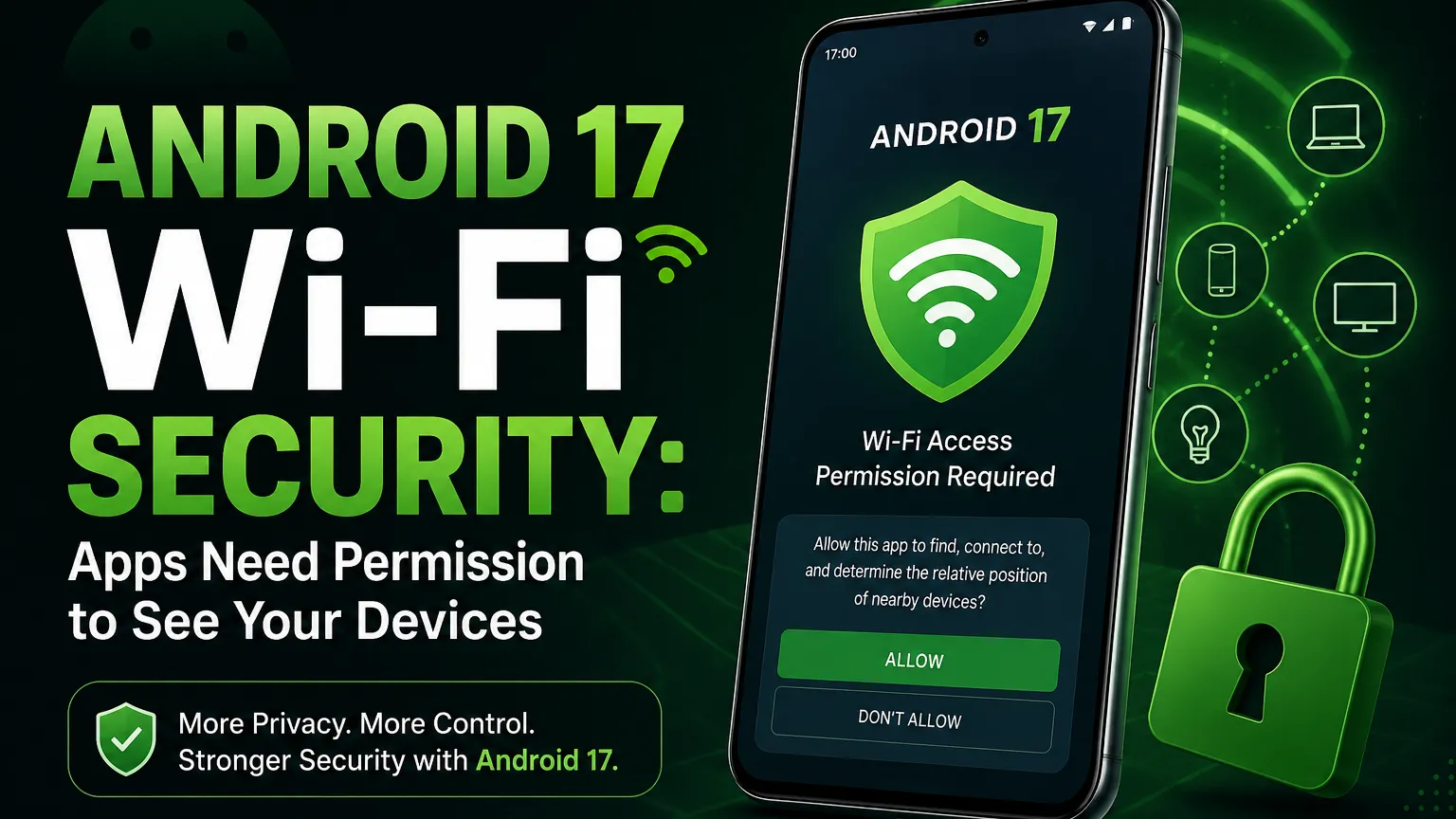

Android 17 is bringing a security change that many users may not notice at first, but it could make a big difference to privacy. Google has introduced a new Local Network Protection system that changes how apps interact with devices connected to the same Wi-Fi network.
In simple words, an app should no longer be able to freely scan your home network and discover other connected devices when it targets Android 17. It must either ask for the required permission or use a privacy-preserving system tool designed for specific tasks.
This matters because your Wi-Fi network can contain much more than your phone and router. A smart TV, printer, security camera, gaming console, smart speaker and other devices may all be connected to the same local network.

Quick answer: Android 17 adds Local Network Protection so apps targeting Android 17 can no longer get broad local-network access by default. Apps need the new local-network permission or can use privacy-preserving system pickers for supported tasks.
| Android 17 Change | What It Means |
|---|---|
| Local Network Protection | Apps need permission for broad local-network access. |
| Private Device Selection | Apps can use system pickers for supported device tasks. |
| Encrypted Client Hello | Helps hide the destination domain during TLS connections. |
| Certificate Transparency | Enabled by default for apps targeting Android 17. |
| 2G Protection | Carriers can configure 2G to be disabled by default. |
What Is Android 17 Local Network Protection?
Local Network Protection is one of the biggest privacy changes in Android 17's network security system.
When your phone connects to Wi-Fi, it becomes part of a local network. Other devices connected to the same network can sometimes communicate with each other. This is useful for things such as casting a video, printing a document or controlling a smart-home device.
The problem is that unrestricted local network access can also reveal information about the environment around a user. An app could scan the network and find devices that are connected to it.
Google says apps could previously scan the local network to see what other devices were connected without asking the user for permission. Android 17 changes that behavior for apps targeting the new Android version. :contentReference[oaicite:1]{index=1}
This is especially important for home networks because they often contain many smart devices. A network scan could potentially tell an app that a smart TV, camera, printer or other network device exists.
Can Apps See Your Wi-Fi Devices Without Permission?
For apps targeting Android 17 or higher, broad local-network access is blocked by default.
Developers now have two main ways to support communication with local
network devices. They can request the new
ACCESS_LOCAL_NETWORK
runtime permission when broad access
is actually needed, or they can use privacy-preserving system-mediated
device pickers where the task allows it. :contentReference[oaicite:2]{index=2}
This does not mean that every app will suddenly ask you for a scary new permission. In many cases, developers can use a system picker. For example, if an app only needs to let you choose a TV for casting, Android can provide a system-level selection experience instead of giving the app access to every device on your network.
Why Is This Important for Privacy?
Think about your home Wi-Fi for a moment.
You may have a phone, laptop, smart TV, printer, smart speaker, gaming console and security camera connected to the same router. You may never think about these devices as private information, but together they can reveal a lot about your environment.
If an app can freely discover local devices, it may be able to build a picture of the type of technology being used around you.
Google specifically says the previous model could be used to build profiles of a user's household. Local Network Protection is designed to reduce this type of unwanted discovery. :contentReference[oaicite:3]{index=3}
The important point is not that every app was secretly spying on users. The issue is that the technical ability to discover local network devices could exist without a clear permission decision from the user.
How Android 17 Handles Local Network Access
Android 17 introduces the
ACCESS_LOCAL_NETWORK
runtime
permission for apps that need broad access to devices on a local
network.
This permission is part of the existing NEARBY_DEVICES permission group. Google explains that apps targeting Android 17 or higher can request this permission when they need to discover and connect to LAN devices. :contentReference[oaicite:4]{index=4}
This creates a much clearer boundary between an app that simply needs internet access and an app that wants to communicate with devices around you.
Those are not the same thing.
An app may need the internet to load its content, but that does not automatically mean it needs to know which devices are sitting on your home Wi-Fi network.
What Happens When You Cast to a Smart TV?
This is where Android 17's privacy-preserving approach becomes useful.
Imagine that you open a video app and want to cast the video to your smart TV. The app needs to help you choose the TV, but it does not necessarily need unrestricted access to every device connected to your home network.
Google recommends that developers use secure system tools for these cases. A system-mediated picker can allow you to select the device without giving the app broad visibility into all other devices on your network. :contentReference[oaicite:5]{index=5}
This is a better privacy model because the app gets access to what it actually needs instead of receiving a much wider view of the local network.
What Does This Mean for Android Users?
For normal users, the change should mostly work in the background. You do not need to understand networking or know what a LAN is to benefit from it.
The main difference is that some apps may behave differently after being updated for Android 17.
An app that needs direct access to local devices may show a permission request. Another app may show a system device picker instead.
If an app suddenly asks for local-network access, take a second to think about why it needs it.
- A casting app may have a good reason.
- A smart-home controller may need local-device access.
- A printer app may need to find your printer.
- A network-management app may need broader access.
- A simple app with no device-related feature may deserve more scrutiny.
The permission itself is not proof that an app is dangerous. It simply gives the user more information and control over what the app can do.
What Changes for Android Developers?
Android 17 is also a significant change for developers.
Apps targeting API level 37 need to account for the new local-network rules. If an application communicates with devices on a LAN, developers need to choose the correct approach instead of assuming unrestricted local access. :contentReference[oaicite:6]{index=6}
Developers should first ask a simple question: Does this app really need broad access to the local network?
If the answer is no, a privacy-preserving device picker may be the better option.
If broad access is required, the app should declare and request the appropriate permission.
            <uses-permission
    android:name="android.permission.ACCESS_LOCAL_NETWORK" />
The exact implementation should follow Google's current Android 17 developer documentation because application behavior can depend on the target SDK, networking method and the type of local-device communication being used.
Android 17 Is Not Only About Wi-Fi Privacy
Local Network Protection is getting most of the attention, but Google has announced several other network security changes in Android 17.
Together, these features show that Android 17 is taking a broader approach to protecting network connections and reducing information leaks.
Encrypted Client Hello: Hiding More of Your Web Activity
Android 17 also introduces platform support for Encrypted Client Hello , commonly called ECH.
Normally, HTTPS protects the actual content of your connection, but some information about the destination can still be visible during parts of the connection setup.
ECH is designed to encrypt sensitive information in the TLS handshake, including the Server Name Indication, or SNI. This can make it harder for network observers to identify the specific domain an app is trying to connect to. :contentReference[oaicite:7]{index=7}
There is an important technical detail here: ECH support also depends on the networking library and the remote server supporting the protocol. So it is not correct to say that every connection on every Android 17 phone will automatically hide every destination.
Certificate Transparency Is Now Enabled by Default
Android 17 also changes the default behavior for Certificate Transparency .
Certificate Transparency helps create a public record of certificates issued by certificate authorities. This makes suspicious or wrongly issued certificates easier to detect.
For apps targeting Android 17 and above, Certificate Transparency is enabled by default. Android 16 had the feature available, but apps needed to opt in. :contentReference[oaicite:8]{index=8}
This is another example of Android moving toward safer defaults instead of expecting every developer to manually enable every security feature.
Android 17 and 2G Security
Another important change involves older cellular networks.
Android 17 gives carriers the ability to configure 2G connectivity to be disabled by default. This is aimed at reducing risks linked to older cellular technology.
Google says this can help protect users against attacks that abuse legacy cellular networks, including attacks where nearby phones can be forced toward less secure 2G connections. :contentReference[oaicite:9]{index=9}
The reason this matters is simple. Modern 4G and 5G networks provide stronger security than old 2G technology. Reducing unnecessary use of legacy networks can therefore reduce one possible attack path.
Why These Android 17 Changes Matter Together
At first glance, Wi-Fi device scanning, encrypted web connections, certificate transparency and 2G protection may look like completely different features.
But they have one common idea: reduce the amount of information that can be exposed without a clear reason.
Local Network Protection limits what apps can learn about nearby devices.
ECH helps protect information about the destination of network connections.
Certificate Transparency makes certificate issuance more visible.
The 2G changes reduce exposure to older cellular network risks.
Google describes these as a new set of network security protections for Android 17. :contentReference[oaicite:10]{index=10}
Will Every Android App Be Affected?
Not necessarily in the same way.
The most important distinction is whether an app targets Android 17, API level 37 .
Google's developer documentation specifically describes the mandatory local-network protection for apps targeting Android 17 or higher. Older apps can therefore have different behavior depending on their target SDK and the compatibility rules applied by Android. :contentReference[oaicite:11]{index=11}
Over time, as developers update their apps to newer Android target levels, these protections will become more important across the Android ecosystem.
Should You Change Any Settings?
For most users, there is no urgent setting that needs to be changed manually just because Android 17 has introduced Local Network Protection.
The better approach is to pay attention when apps ask for permissions. If an app requests access to your local network, check what feature you are using and whether the request makes sense.
You should also keep Android and your apps updated. Security features are most useful when the operating system and applications are running supported versions.
What Should Developers Do?
- Check whether the application communicates with local-network devices.
- Review the Android 17 local-network permission requirements.
- Prefer system-mediated device pickers when broad access is not required.
-
Request
ACCESS_LOCAL_NETWORKonly when the application genuinely needs broad LAN access. - Test casting, printing, smart-home and discovery features on Android 17 devices.
- Review networking libraries for Android 17 ECH compatibility.
- Check Certificate Transparency behavior for production domains.
Is Android 17 More Secure Than Android 16?
In several network and privacy areas, yes. Android 17 introduces stronger defaults and additional controls that were not mandatory in the same way on Android 16.
Local network access is the clearest example. Android 16 allowed apps to opt into local-network permissions, while Android 17 makes the protection mandatory for apps targeting API level 37 or higher. :contentReference[oaicite:12]{index=12}
Android 17 also enables Certificate Transparency by default for qualifying apps and adds platform support for ECH.
Security is never a single feature, though. Users still need to install trusted apps, keep devices updated, use strong authentication and be careful with suspicious links and messages.
Final Verdict
Android 17's new Local Network Protection is a meaningful privacy upgrade because it changes an area that many users never think about: what apps can discover on their Wi-Fi network.
Your phone may share a network with TVs, cameras, printers, speakers and other smart devices. Android 17 is making apps explain why they need access to that environment instead of allowing broad access by default for apps targeting the new Android version.
The change should also push developers toward a better privacy model. If an app only needs to connect you to one device, it should ideally not need visibility into every other device around you.
And Local Network Protection is only one part of the larger Android 17 security story. ECH, Certificate Transparency and stronger protection around legacy cellular networks show that Google is also working on the privacy and security of network connections themselves.
For users, the main takeaway is simple: Android 17 gives you more control over what apps can see and access around your device.
Android 17 Security: Quick Summary
- Android 17 introduces Local Network Protection.
- Apps targeting Android 17 cannot freely access the local network by default.
-
Apps can request
ACCESS_LOCAL_NETWORKwhen broad access is required. - Privacy-preserving system pickers can avoid broad permission for supported device-selection tasks.
- ECH helps protect the destination domain during supported TLS connections.
- Certificate Transparency is enabled by default for apps targeting Android 17.
- Carriers can configure 2G to be disabled by default.
- Developers should review their local-device discovery and networking code before targeting Android 17.